Plantation · Home Security · City Rules
Plantation FL Alarm Permit Guide — Register, Renew, and Avoid False Alarm Fines
Most people in Plantation have no idea they need a permit to run their alarm system. I found out through the Ring app — there's a Resources section that surfaces local permit requirements by location. Here's everything: what it costs, how to renew, and the URL typo in the city's own renewal notice that sent me on a wild goose chase.
Here's something the City of Plantation doesn't advertise loudly: if you operate any alarm system — home security, fire, panic button — you are legally required to have an alarm permit on file with the police department. No permit means you're technically out of compliance with city ordinance from the moment your alarm goes live.
I actually found out through the Ring app — there's a Resources section inside the app that surfaces local permit requirements by location. Turns out Plantation is on the list. I applied for the permit, paid the $25, and forgot about it. Then this year, a renewal notice arrived in the mail. Sounds simple enough. It wasn't — because the URL printed in the letter for online payment was wrong. I'll get to that.
The Alarm Permit: What It Is and Why It Exists
The City of Plantation has required alarm user permits since at least 2004 under Section 5.182 of its municipal code. The idea is straightforward: the police department wants to know who has active alarms in the city so they can manage dispatch efficiently and hold alarm users accountable for false alarms.
An alarm permit is tied to a specific address, not to a person or a monitoring company. If you move within Plantation, you need a new permit for the new address. If you switch alarm companies, call the Alarm Coordinator at (954) 797-2109 to confirm whether your existing permit needs to be updated or reissued — I paid for a new one when I made the switch, and it's not worth assuming either way.
Alarm Permit — Quick Reference
- New permit registration: $25 one-time fee
- Annual renewal: $10 (waived if zero false alarms in prior year)
- Alarm Coordinator: (954) 797-2109
- Police Records Division: 451 NW 70th Terrace, Plantation, FL 33317
- Online payment: ipn.paymentus.com/rotp/pfpl
- Office hours: Mon–Fri, contact at (954) 797-2107
How to Get Your Permit (New Registration)
If you've never had a permit and your alarm is already active, get this done now. The application is straightforward. Download the alarm permit application from the City of Plantation Police Department Records Division page, fill it out, and submit it with payment. The one-time registration fee is $25.
You can submit by mail or in person at the Police Records Division at 451 NW 70th Terrace. The application asks for your name, address, phone, and emergency contacts who can be reached if the alarm goes off. Keep those contacts current — if the city can't reach you or your contacts, that goes against you.
The Annual Renewal (and the Trick to Paying $0)
Permits expire after one year and must be renewed annually. The renewal fee is $10. But here's the part most people don't know: if you had zero police-dispatched false alarms in the prior permit year, the $10 fee is waived entirely. You still need to confirm your information is correct and submit the renewal form, but you pay nothing.
I had a false alarm last year — first time in years. So I actually had to pay this time. The city mails you a renewal notice with your account number and due date. If you're late by more than seven business days, there's an additional $5 late fee. Small, but annoying.
You can pay by check (made out to Plantation Police Department) or online. Now, about that online payment link.
The URL Typo in the City's Own Mail
This is the part that wasted 20 minutes of my life and is the main reason I'm writing this article.
The renewal notice the city mailed me listed the online payment URL as:
https://ipn.paymentus.com/rotp/ppfl
That URL doesn't work. You get an error or a generic Paymentus page. The correct URL is:
https://ipn.paymentus.com/rotp/pfpl
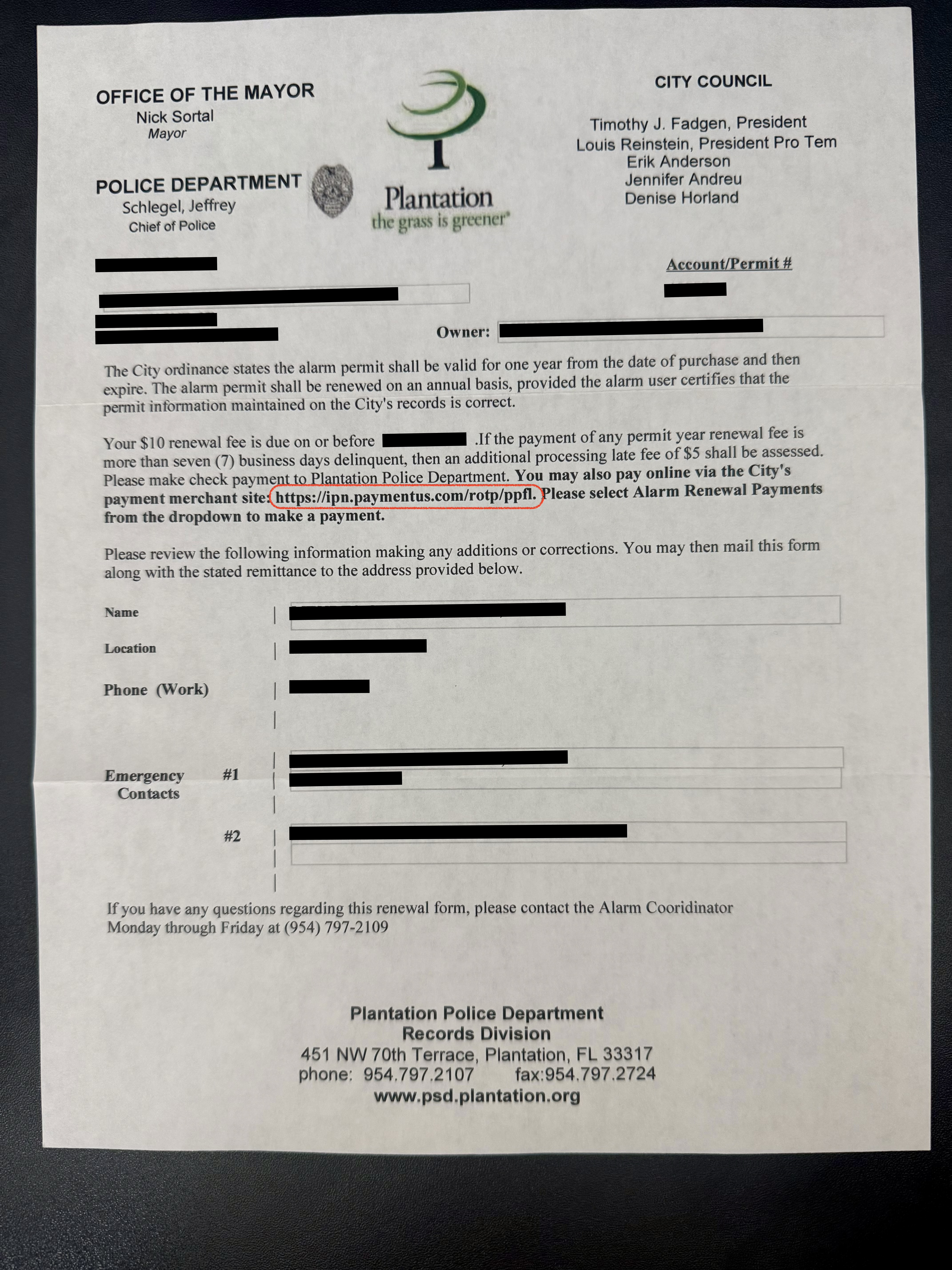
The actual city renewal letter — notice the URL ending in "ppfl" in the payment instructions. The correct link ends in "pfpl."
ppfl. The working link ends in pfpl. Two letters swapped. Once you're on the right page, select "Alarm Renewal Payments" from the dropdown and you're set.
I'm noting this here so the next Plantation homeowner who gets that letter doesn't spend time troubleshooting a payment link. The correct direct link is ipn.paymentus.com/rotp/pfpl. Bookmark it.
False Alarm Fines — They Escalate Fast
The permit isn't just bureaucratic paperwork. It's tied to a false alarm enforcement system with escalating fees. The first three police responses to false alarms at your address are free. After that:
| False Alarm Responses | Fee Per Response |
|---|---|
| 1st – 3rd | No charge |
| 4th – 5th | $75 each |
| 6th – 7th | $90 each |
| 8th – 9th | $105 each |
| 10th and beyond | Permit revoked — police may stop responding |
After nine false alarm responses, the city revokes your permit and requires a home visit to assess your alarm system before police will respond again. At that point you're also paying to get the permit reinstated. A poorly calibrated motion sensor or a door contact that trips in the wind can run you straight through that table if you're not paying attention.
Why I Ditched ADT for Ring Alarm
When I bought this house, ADT came with the previous owners' setup. I kept it for a while, then started running the numbers. Between the monthly monitoring fee, the aging equipment, and the locked-in contract, it stopped making sense — especially once I started seeing what DIY systems could do.
I went with Ring Alarm and haven't looked back. The 8-piece starter kit covered the main entry points. Over time I added cameras, flood/freeze sensors, and a floodlight cam in the backyard. The whole system lives in the Ring app, integrates with Alexa, and I can arm, disarm, or check live video from anywhere. No technician visits, no multi-year contracts.
The Ring Protect Pro plan ($20/month) gives me 24/7 professional monitoring — same dispatch service ADT provides, for a fraction of what ADT was charging. And if I move, I take everything with me.

Ring Alarm 8-Piece Security Kit
Where I started. Base station, keypad, four contact sensors, a motion detector, and a range extender. Sets up in under an hour with the Ring app. Works with Alexa. No contract required for professional monitoring — you can add or cancel the Protect plan whenever you want. Z-Wave sensors don't clog your home Wi-Fi either, which was something I didn't think about until after installation.
View on Amazon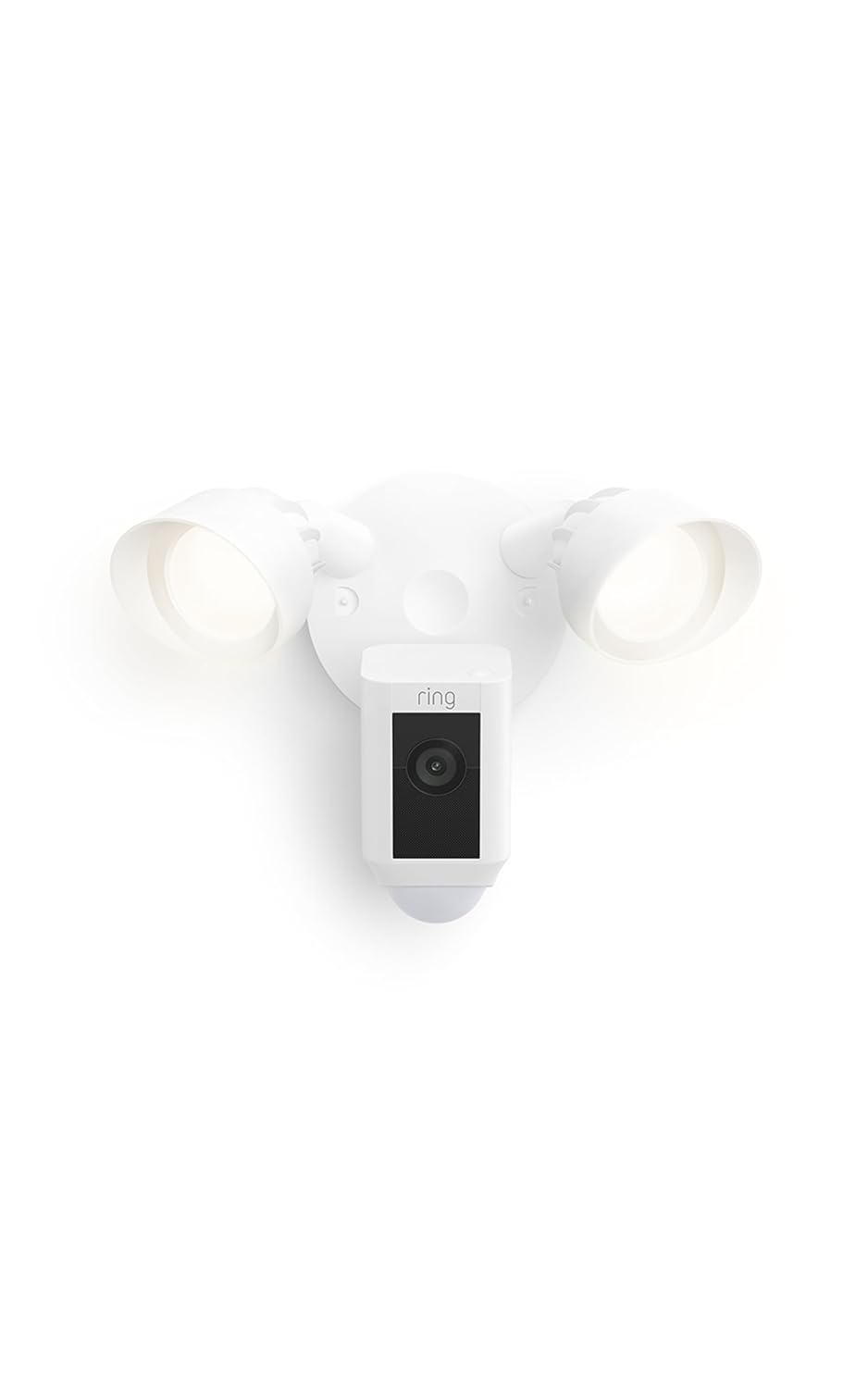
Ring Floodlight Cam Wired Plus
This is on the back of my house pointing at the yard and the gate. Hardwired, 2000 lumens of motion-activated floodlights, 1080p with color night vision, two-way talk, and a siren you can trigger from the app. When the lights kick on, whoever was creeping around the perimeter tends to reconsider their evening plans quickly. Hardwiring is easy if you have an existing outdoor outlet or porch light fixture.
View on Amazon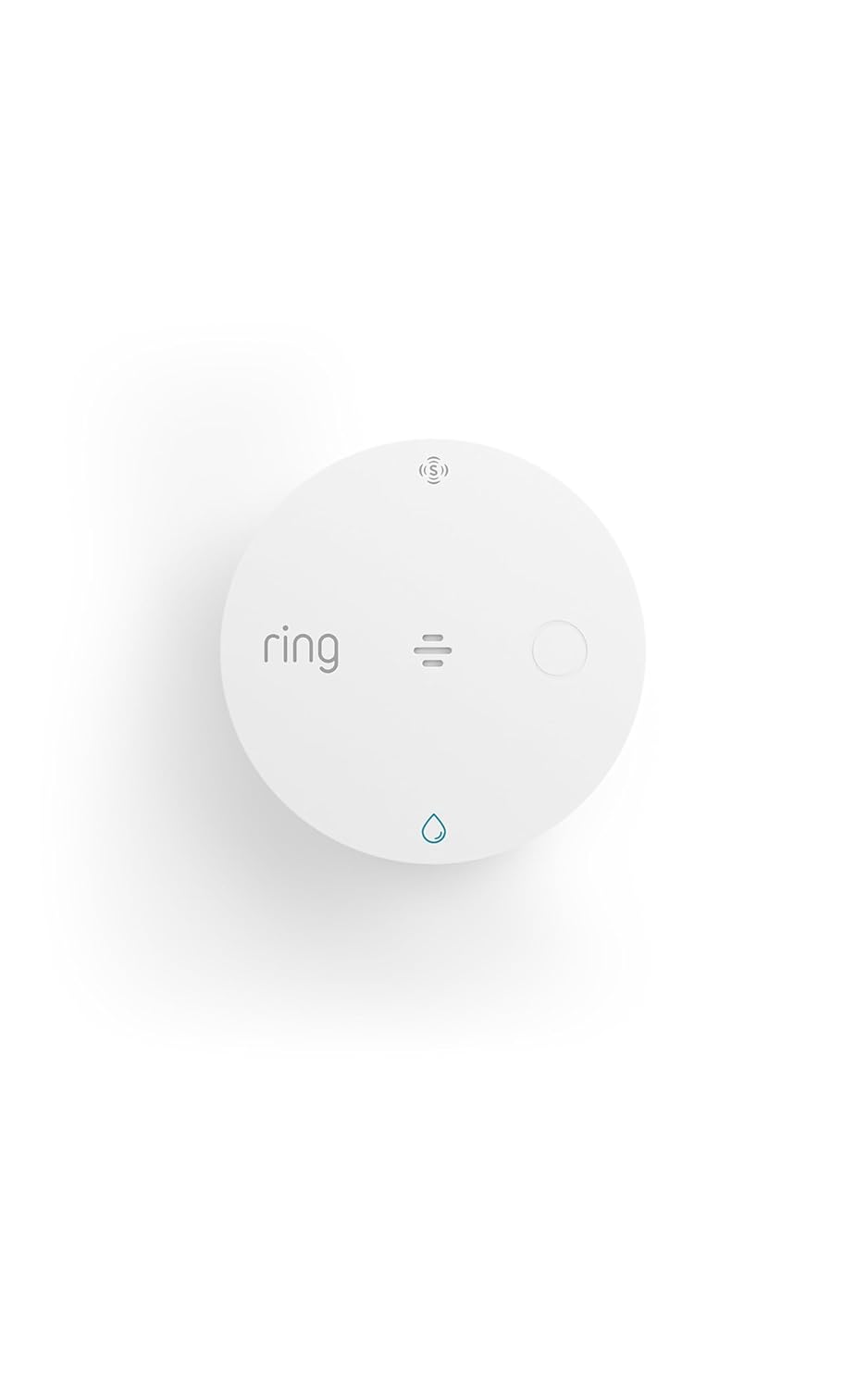
Ring Flood & Freeze Sensor
South Florida homes don't worry much about freeze, but flood detection is worth taking seriously here. I have these under the water heater, near the washing machine, and under the kitchen sink. Each one connects to the Ring base station and sends an alert the moment it detects water. Caught a slow water heater drip before it became a problem — that alone paid for itself a few times over. These are cheap enough that you'd feel silly not having a few.
View on AmazonThe Bottom Line on Plantation Alarm Permits
This isn't complicated, it's just one of those things nobody tells you when you move to Plantation. Here's all you need to know: run an alarm system → get a permit ($25 once) → renew it every year ($10, or free if no false alarms) → pay at the correct online link if the city mails you a notice.
Keep your false alarms low, update your emergency contacts when they change, and the whole thing runs on autopilot. The permit coordinator at (954) 797-2109 is easy to reach if you have questions.
And if you're still on ADT — or have no alarm system at all — the Ring Alarm ecosystem is worth a look. It's the most practical upgrade I've made to this house in years.